Getting dressed, the encore way.
Everything between the mirror and the share link: how to stand for the photo, which rail to pull a style from, how to keep your lookbooks tidy, and how a shop can run the same fitting room from its own code.
Getting started
Encore turns a full-body photo of you into a photoreal restyle in a new fashion style — in seconds, same you, brand-new outfit. Every new account gets a free credit, so you can try your first look before spending anything. The loop is always the same: upload → pick a style → restyle, then refine, save and share.
Photographing yourself
Think of the photo as the fitting: the clearer the model can see you, the better the outfit sits. Four habits help most:
- Shoot full-body, head to toe, standing straight-on — it gives the model your true proportions and pose.
- Use good, even light — natural daylight is best; avoid harsh single-lamp shadows.
- Stand against a plain background so the model reads your silhouette cleanly.
- One person per photo, in frame from top to bottom — don't crop the feet or head.
Styles
Pick one of eight styles — from quiet-luxury tailoring to bold festival layers. Each one re-dresses you head to toe while keeping your face, body and pose:
Streetwear
Oversized, hyped, urban
Old Money
Quiet luxury, tailored, timeless
Y2K
Low-rise, shine, early-2000s
Formalwear
Sharp suiting, evening-ready
Cottagecore
Prairie dresses, soft florals
Athleisure
Sporty, sleek, comfortable
Minimalist
Neutral, clean lines, capsule
Festival
Bold, layered, statement
Every restyle keeps the real you and reimagines the outfit.
Refining a look
Love it but want a tweak? Use Refine with a plain-English instruction — “add a leather jacket”, “swap in white trainers”, “more of a scarf” — and encore edits the look while keeping the rest. Or run several variations at once and compare with the before/after toggle.
Lookbooks & sharing
File looks into Lookbooks — one per occasion, capsule or wardrobe project — from your dashboard, so a whole styling session stays together. Hit Share on any look to get a private link anyone can open (no account needed) — perfect for a second opinion from a friend or stylist.
Find your look
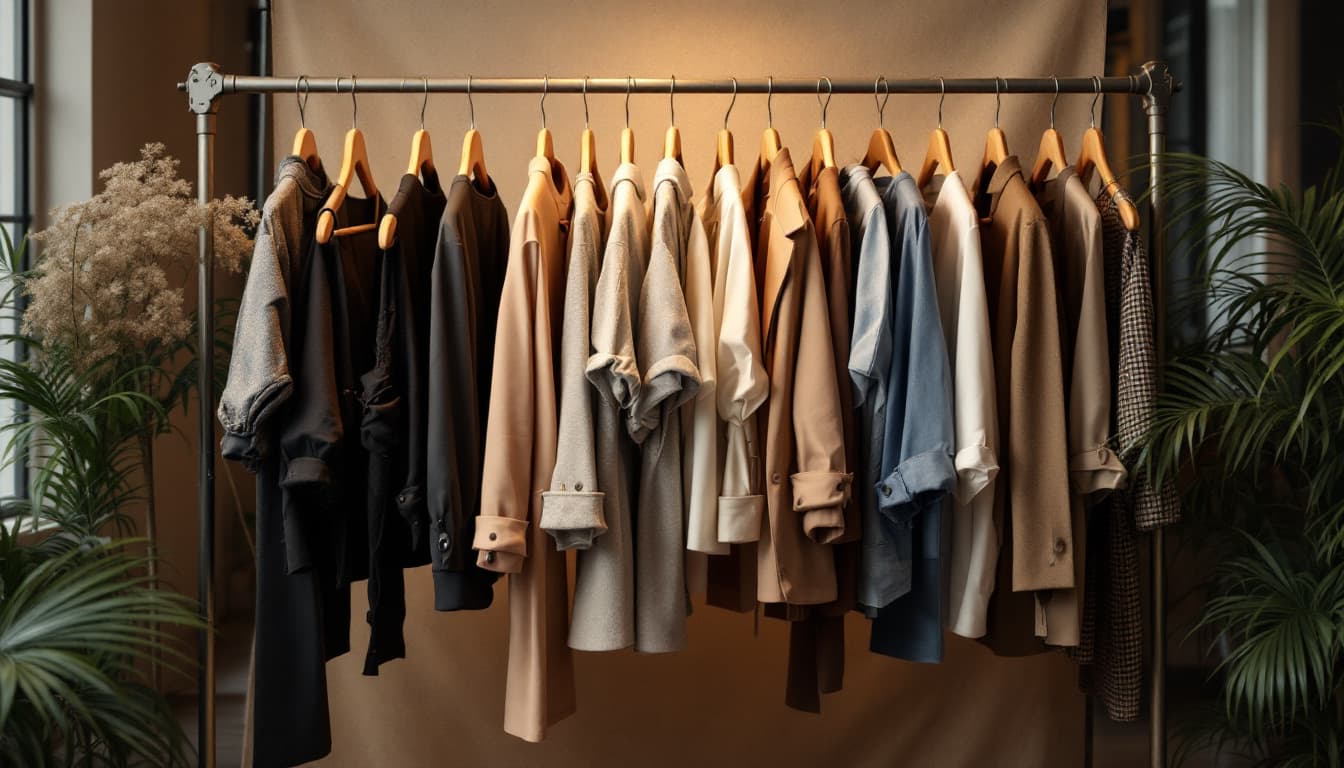
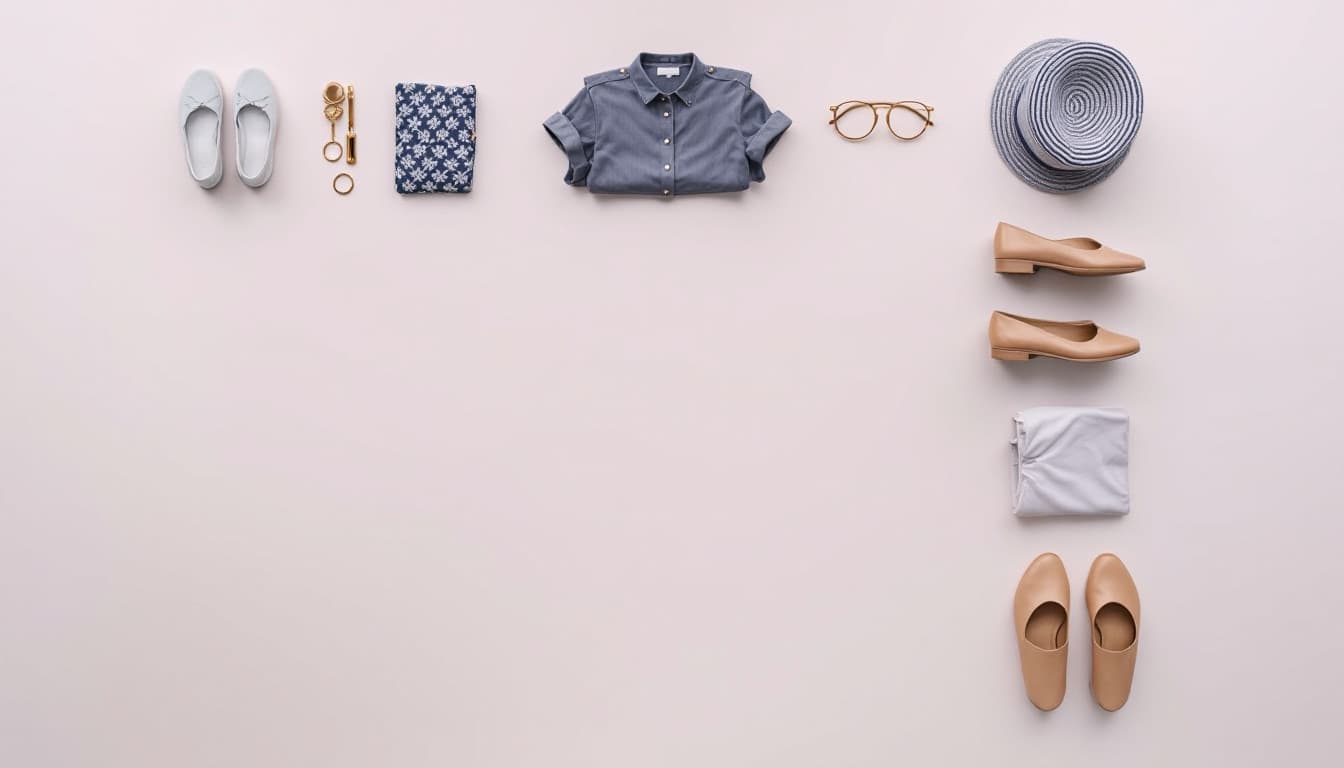
Torn between old-money and Y2K? The Find your look quiz on your dashboard asks three short questions about where you’re going and what you like to wear, then suggests the rail to start from.
The API
Shops and styling apps can run the same fitting room from their own code. Create a key on the developers page, then POST a photo and a style to /api/makeover/generate. Each successful restyle spends one credit — the same balance the app uses.
curl -X POST https://encore-soultosoul.vercel.app/api/makeover/generate \
  -H "Authorization: Bearer enc_live_…" \
  -H "Content-Type: application/json" \
  -d '{"image":"https://cdn/me.jpg","styleId":"oldmoney"}'
Credits & bulk
Every outfit you try costs one credit, and unused credits stay in your wardrobe — they don’t expire. Pick a pack, or type your own amount in one top-up. Bigger packs bring the price of each credit down, which is why shops running the API tend to buy in bulk.
Top up credits →Troubleshooting
- It changed my face or body.
- Re-shoot straight-on, full-body, in good light — the model keeps your identity and pose best when it can see all of you clearly.
- It doesn't look like me.
- Avoid dark, cropped or busy photos. One well-lit, full-body photo against a plain background works best.
- A look didn't come back. Did it cost me?
- No. If a look fails to render, its credit is returned automatically — in the app and over the API.
- Do credits expire?
- No. A credit bought today works the same next season.